 Trust AC
Stand back and show the whole room before close-ups so wall position, windows, doors, and furniture make sense.
Trust AC
Photo guide and estimate FAQ
Use this guide before sending an enquiry. Better photos and clearer site notes make the first estimate range more useful and reduce back-and-forth.
Get my priceOpens the quote form with photo guide context preselected.
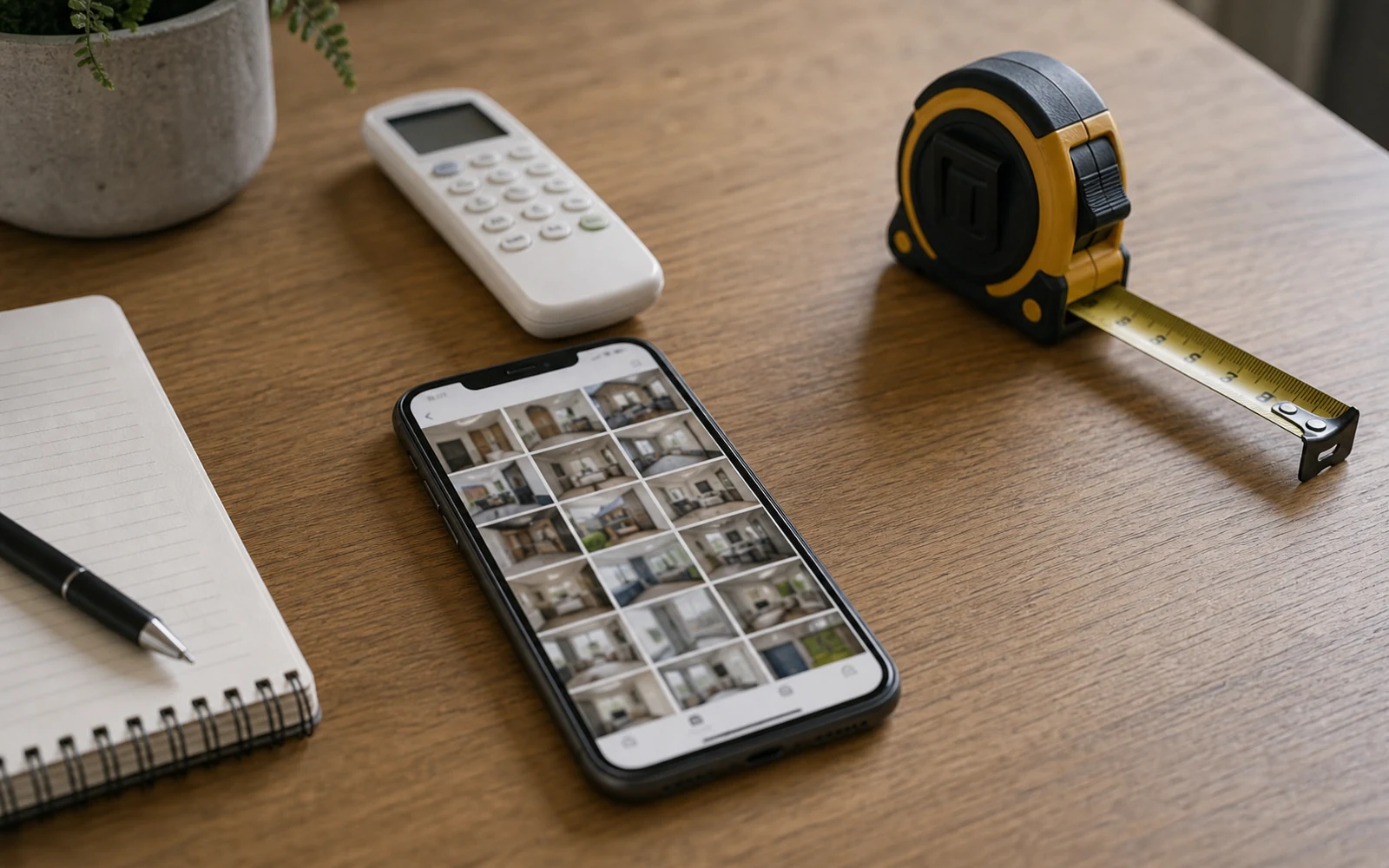
Estimate guide
Good photos make the first check faster.
A strong enquiry shows the room, the path, the outdoor position, and any restrictions. It does not need to be perfect, but it should help us understand what would make the project simple or difficult.
- Best first step
- Photos plus postcode
- Useful for
- Install, service, faults
- Quote status
- Indicative until checked
- Take wide photos before close-ups
- Show the path from indoor unit to outside wall
- Include access, parking, drainage, and fuse-board context
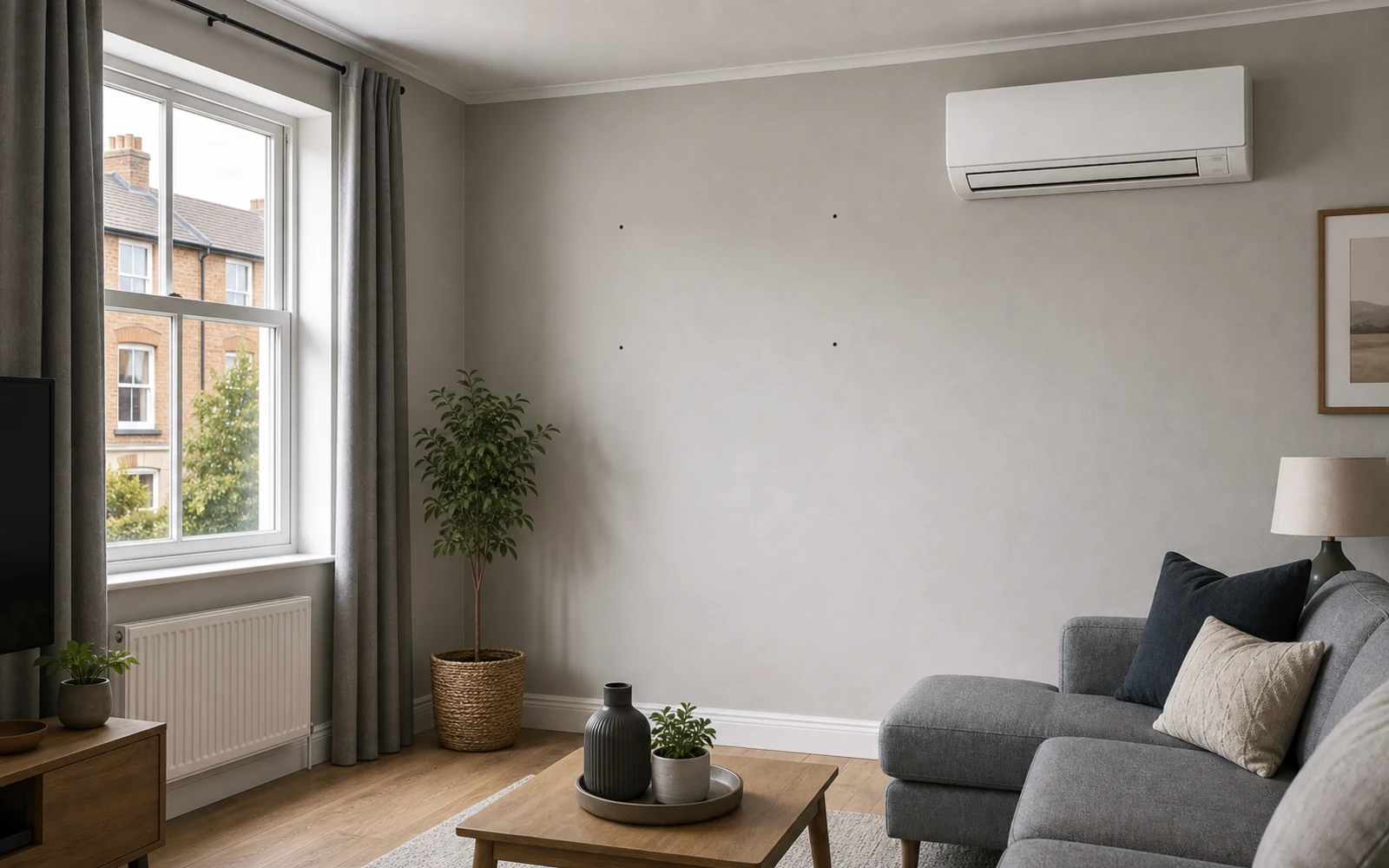
- 0-5s: room and intended indoor wall
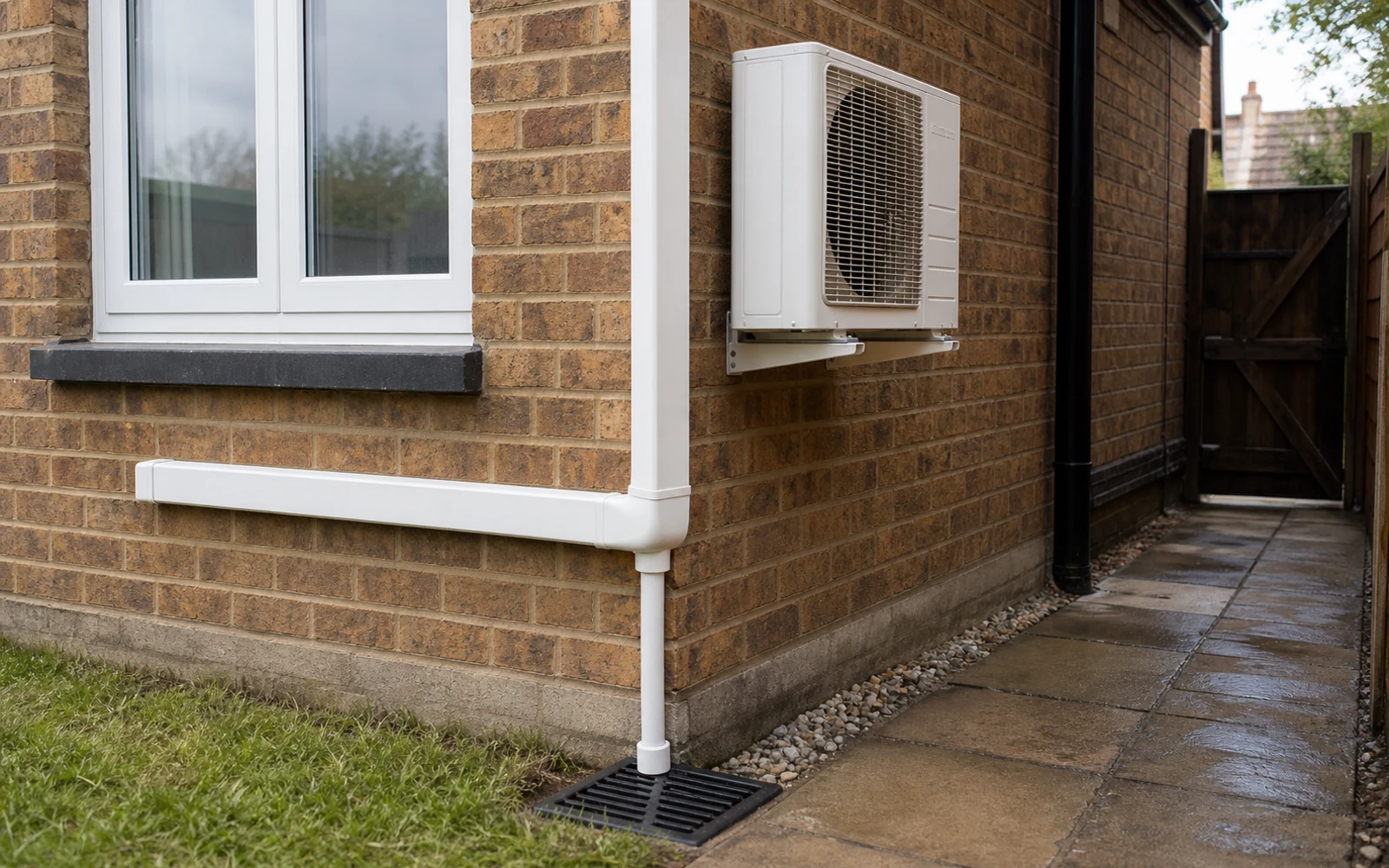
- 5-10s: path to outside wall and drainage
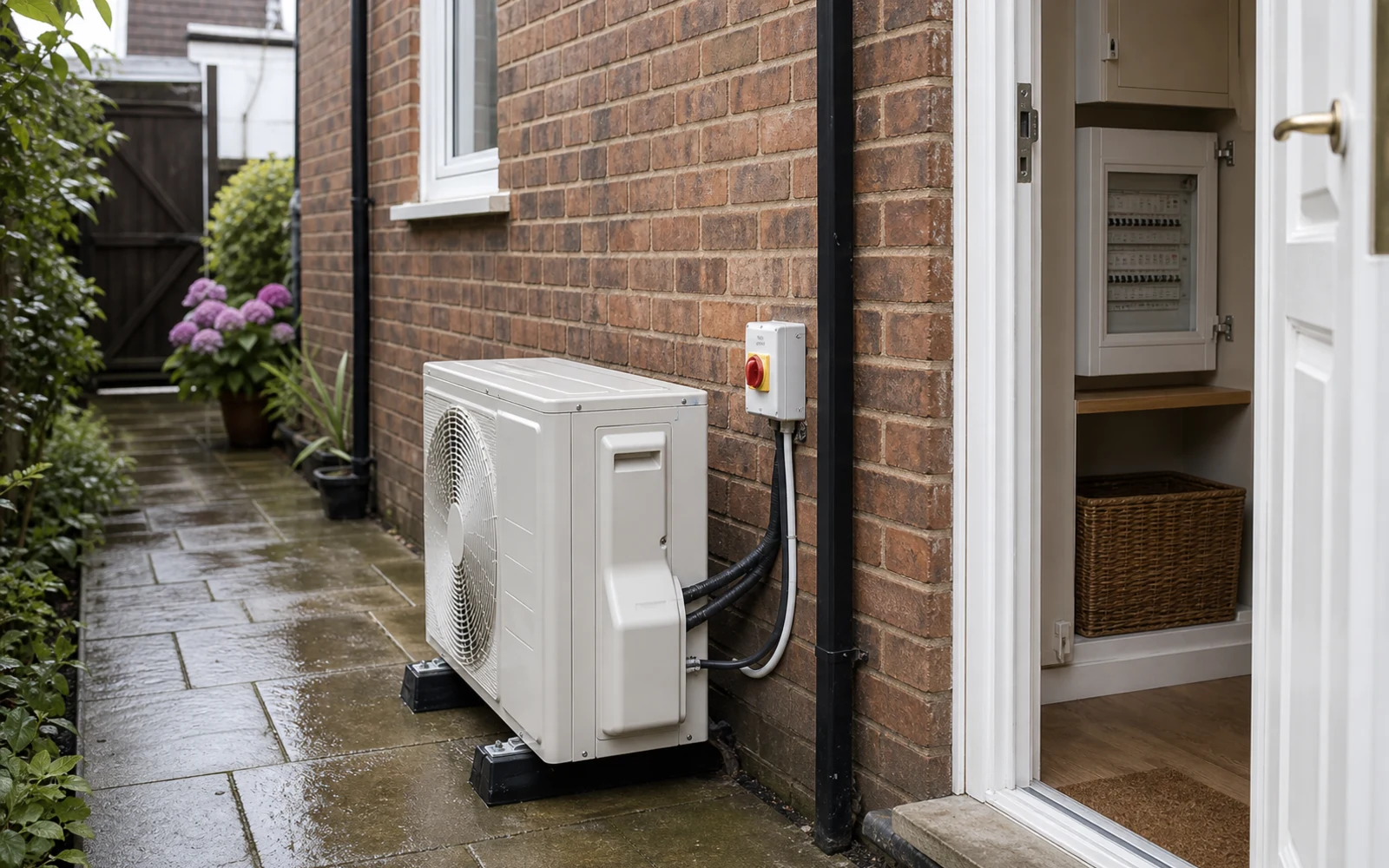
- 10-15s: outdoor position, access, labels, or fuse board
Photo and video shot plan
Send photos that answer the real questions.
A short video is most useful when it follows the same path an installer would check: start inside the room, move towards the outside wall, then show access, drainage, electrics, and any existing equipment.
Show the likely pipe route, outside wall, parking or loading, ladders or height access, and anything that could slow the work.
Include drainage points, fuse board, existing unit labels, controller errors, and any landlord or business-hour restriction.
Photos are still preferred for the main enquiry because they are easier to attach, zoom, and check in writing. Use video as an extra walkthrough where it adds context.
Shot quality checklist
Check each shot answers one pricing question.
Before sending, scan the set like an installer would. Each photo or clip should either explain the room, the path, the access, or the existing equipment.
Shows size, windows, doors, furniture, and where airflow may be blocked.
Avoid only taking a close-up of the intended wall.Helps check unit position, clearances, cable run, and whether the wall choice makes sense.
Avoid cropping out ceiling height, nearby sockets, or obstacles.Connects the indoor wall to pipework, condensate, brackets, ladders, and outdoor-unit access.
Avoid sending the outdoor area without showing how it connects to the room.Permission, parking, restricted hours, labels, or fault codes can change the next step.
Avoid leaving access or landlord limits only for a later phone call.Common missing shots
Avoid the photos that usually trigger follow-up questions.
Most quote delays come from one missing angle rather than a lack of detail. These are the shots worth checking before you press submit.
A label or wall close-up helps, but it does not show where the unit sits in the room.
Add one wide photo from each room corner.The indoor wall may look simple, but the outside position, height, or access can change labour.
Step outside and photograph the wall, ground, access, and possible outdoor unit position.Without the path, pipe length, drainage, and wall penetrations are mostly assumptions.
Show the path from the indoor wall to the outside wall in one or two photos.Parking, landlord permission, listed-building limits, or restricted hours can change the plan.
Add a short note and one photo if the constraint is physical.Ready-to-submit pack
Build a photo set that lets Trust AC reply with fewer follow-up questions.
A useful enquiry does not need perfect photography. It just needs enough clear photos to connect the room, access, and existing equipment to the form.
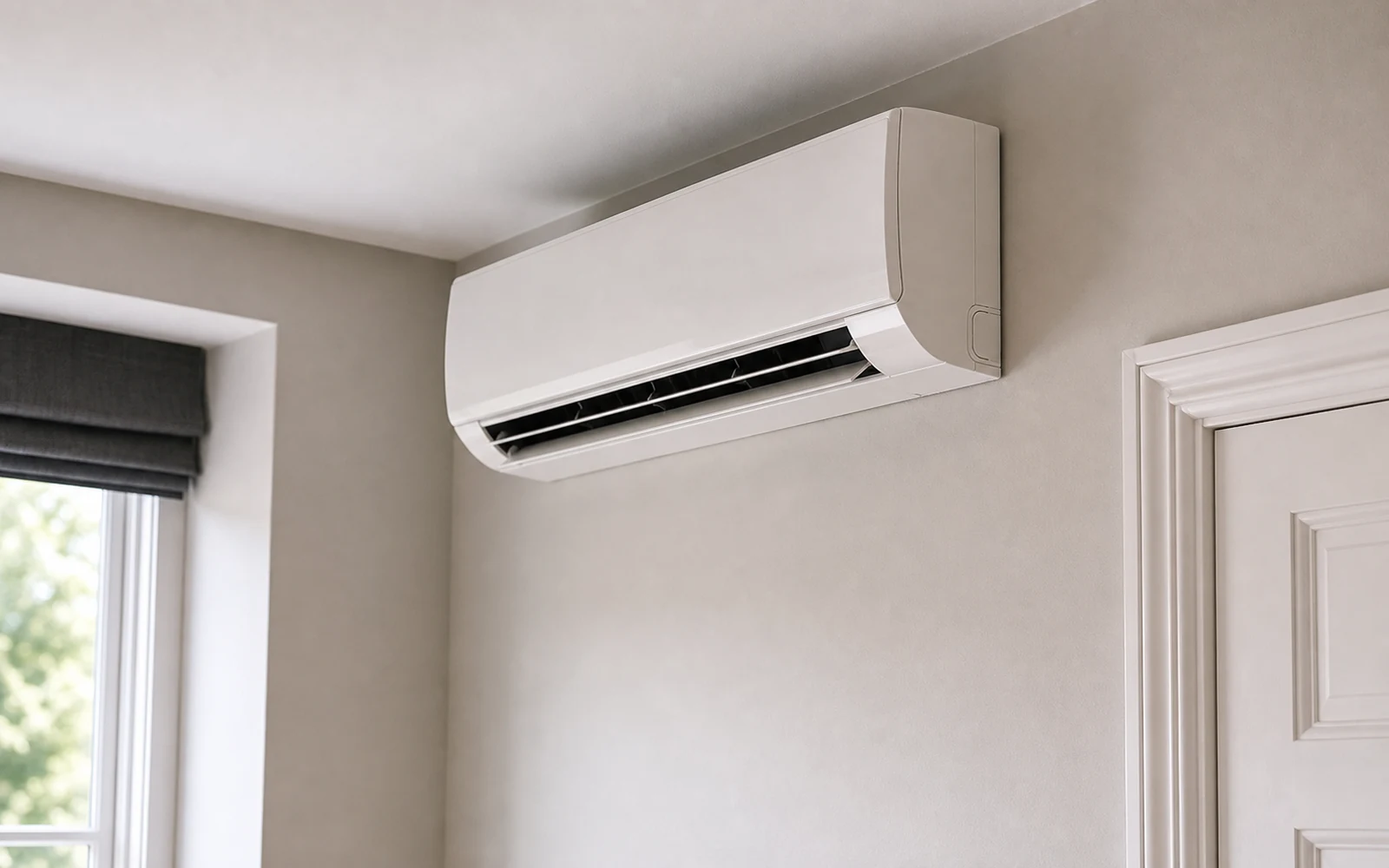
01 Room contextRoom, wall, and heat gain
Show the room from two corners, the intended indoor wall, windows, doors, ceiling height, and the main heat sources.
- Wide room photo
- Indoor wall
- Approximate size
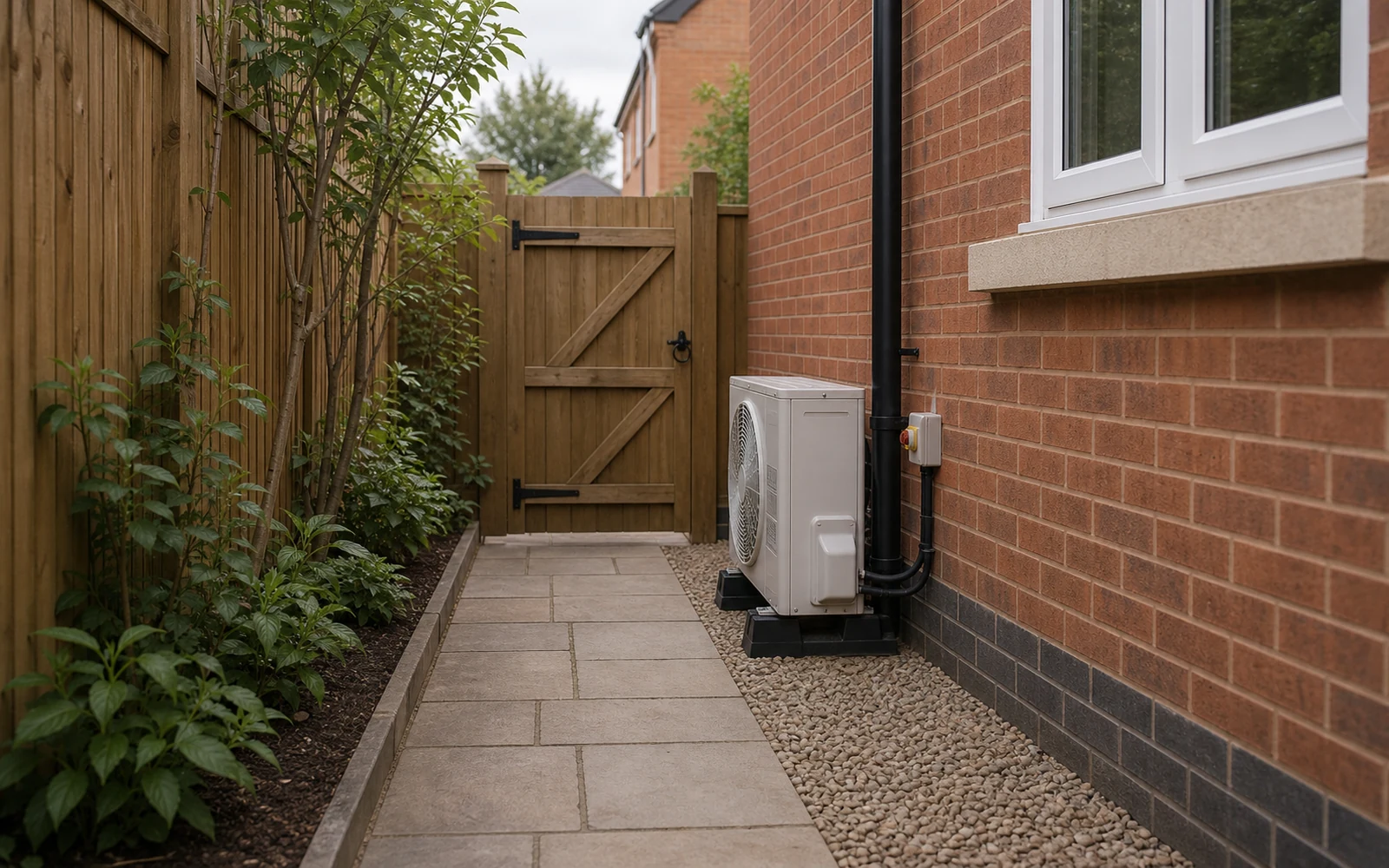
02 PathOutside wall, pipe route, and drainage
Connect the inside wall to the outdoor position so we can think about pipe length, condensate, and access.
- Outside wall
- Pipe path
- Drainage point
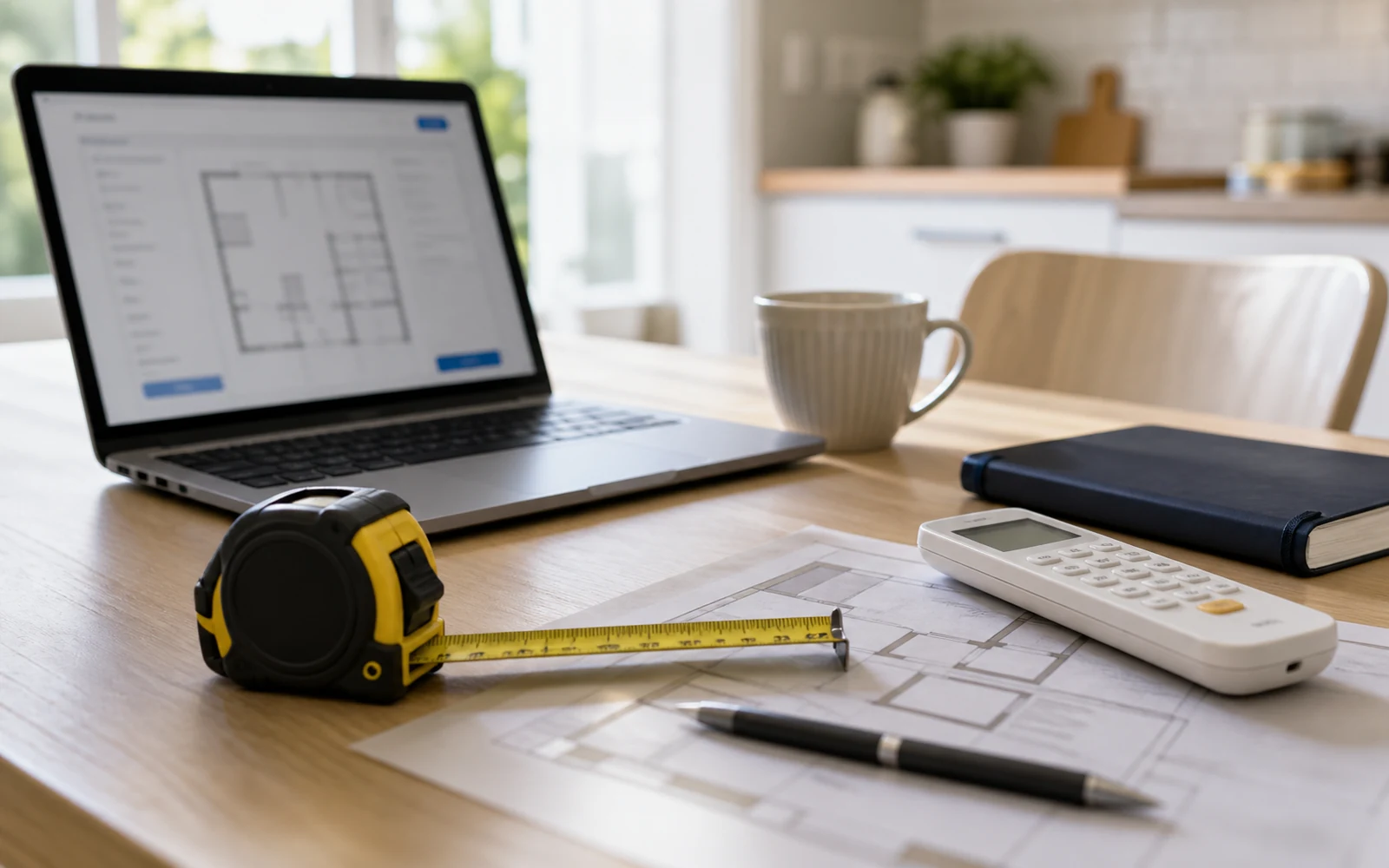
03 EquipmentLabels, fuse board, and existing system
For replacements, faults, or service, include model labels, controller errors, unit age, and fuse board access.
- Unit labels
- Controller fault
- Fuse board
04 ConstraintsParking, height, and permission notes
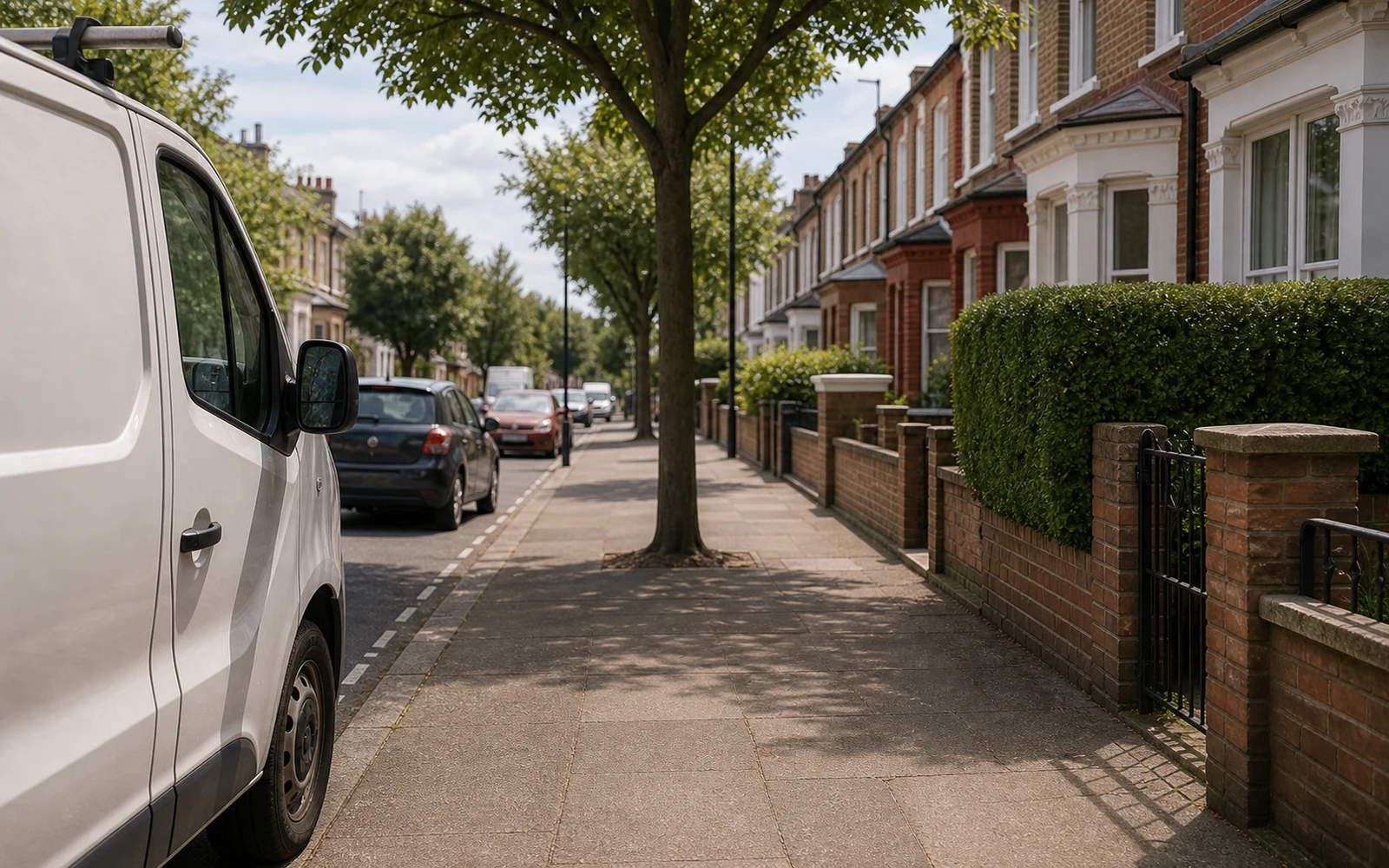
Mention landlord rules, listed building concerns, restricted hours, parking limits, ladders, balconies, or commercial access.
- Parking or loading
- Height access
- Permission limits
What photos should I send?
Send the room from two corners, the intended indoor wall, the outside wall, likely outdoor unit position, pipe route, drainage point, fuse board, and any existing unit labels.
What if I do not know the system type?
Use the guided estimate form and choose 'Help me choose' or 'Not sure'. Trust AC can look at the room use, size, site notes, and photos before recommending next steps.
Why is the online price a range?
The range reflects equipment, labour, travel, and uncertainty before a full check. Final price, model, access assumptions, and timing are confirmed separately in writing.
What changes the price most?
Unit count, capacity, indoor and outdoor positions, long pipe runs, drainage, electrical work, difficult access, London parking, and out-of-hours commercial work.
Can servicing or faults be diagnosed online?
Some issues can be triaged from labels, error codes, photos, and symptoms. Others need an in-person visit, especially where parts, leaks, or electrical checks may be involved.
Do I pay online?
No. The website sends an enquiry only. Any final quote, deposit, payment timing, and appointment details are confirmed separately.