Trust AC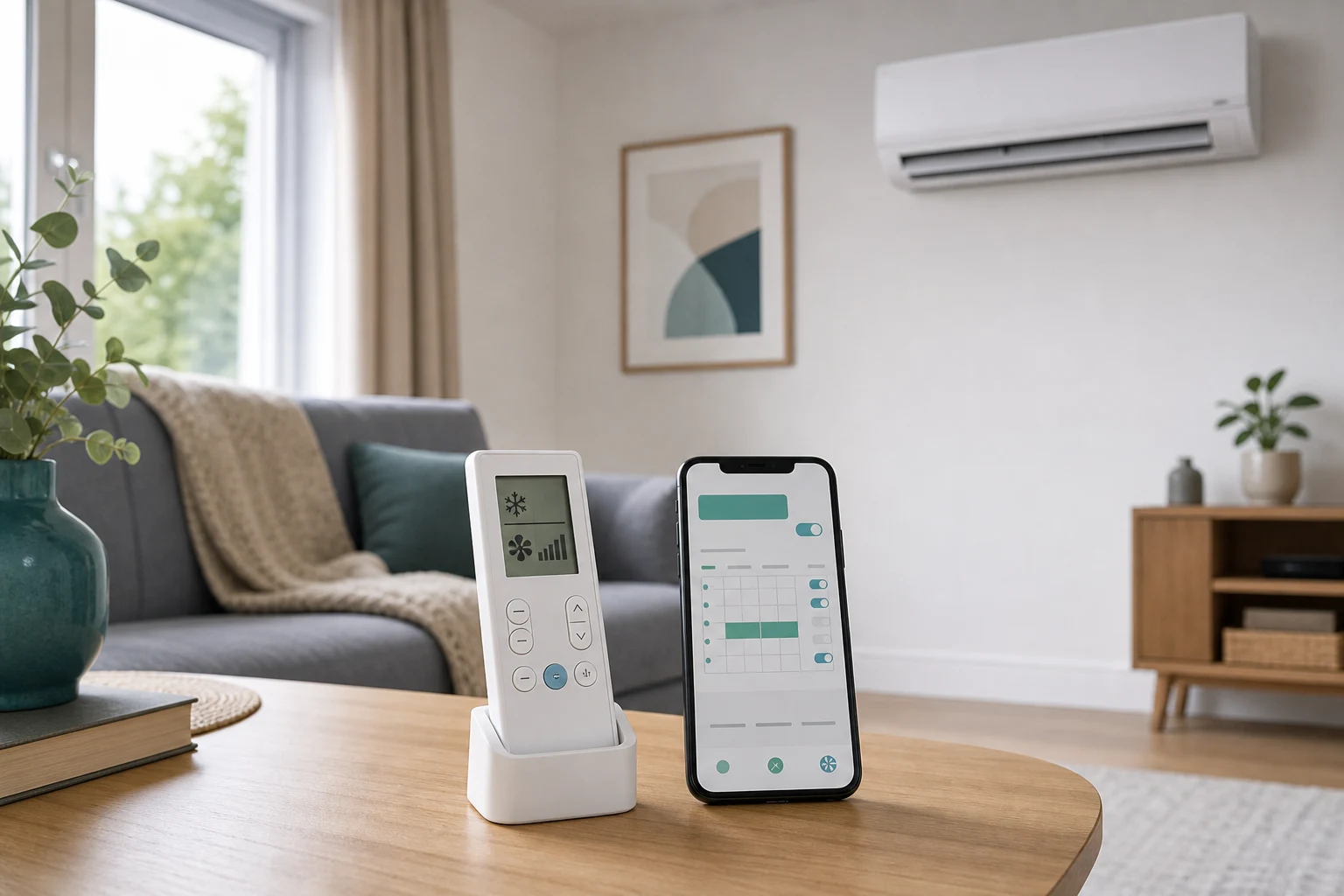
Topic-specific guidance
Air conditioning controls, remotes and schedules needs its own estimate logic because remote controls, wall controllers, schedules and handover points that prevent confusion. The useful first step is to connect the customer's room, evidence, constraints and budget before comparing equipment, dates or written scope. Treat any missing photo, route detail or permission note as an estimate risk rather than a small admin gap. That discipline keeps the article useful for customers and traceable for the team reviewing the enquiry later.
Controls should match the people who use the room. A single homeowner, a clinic team and a retail counter need different handover detail, lockout expectations and scheduling discipline.
Evidence includes who will operate the system, whether schedules are wanted, whether several staff share the remote, Wi-Fi expectations, preferred language and whether the customer has struggled with previous controls.
The quote or handover should explain which controller is supplied, what smart features are included and what is outside scope. If Wi-Fi modules or wall controllers are optional, that should be clear.
The risk is installing good hardware and leaving the customer with avoidable confusion. Poor control habits can increase cost, trigger comfort complaints and create unnecessary service calls.
When Air conditioning controls, remotes and schedules is used in the enquiry form, pair the question with the target room, preferred temperature, daily use pattern, budget boundary, outdoor-unit option, access limits, noise sensitivity, drainage route, controller expectation, service access and any permission constraint. That gives the estimator an auditable set of assumptions instead of a single isolated topic.
The setting that costs the most is the one nobody changes
Fan speed on automatic, and a setpoint left where the last person put it, is how most units are run. Both are worth revisiting. A lower setpoint is not a shortcut to comfort. On the way down the unit is already running hard; a lower number mainly changes where it stops, so setting it low to hurry things up overshoots the temperature you actually wanted and costs more.
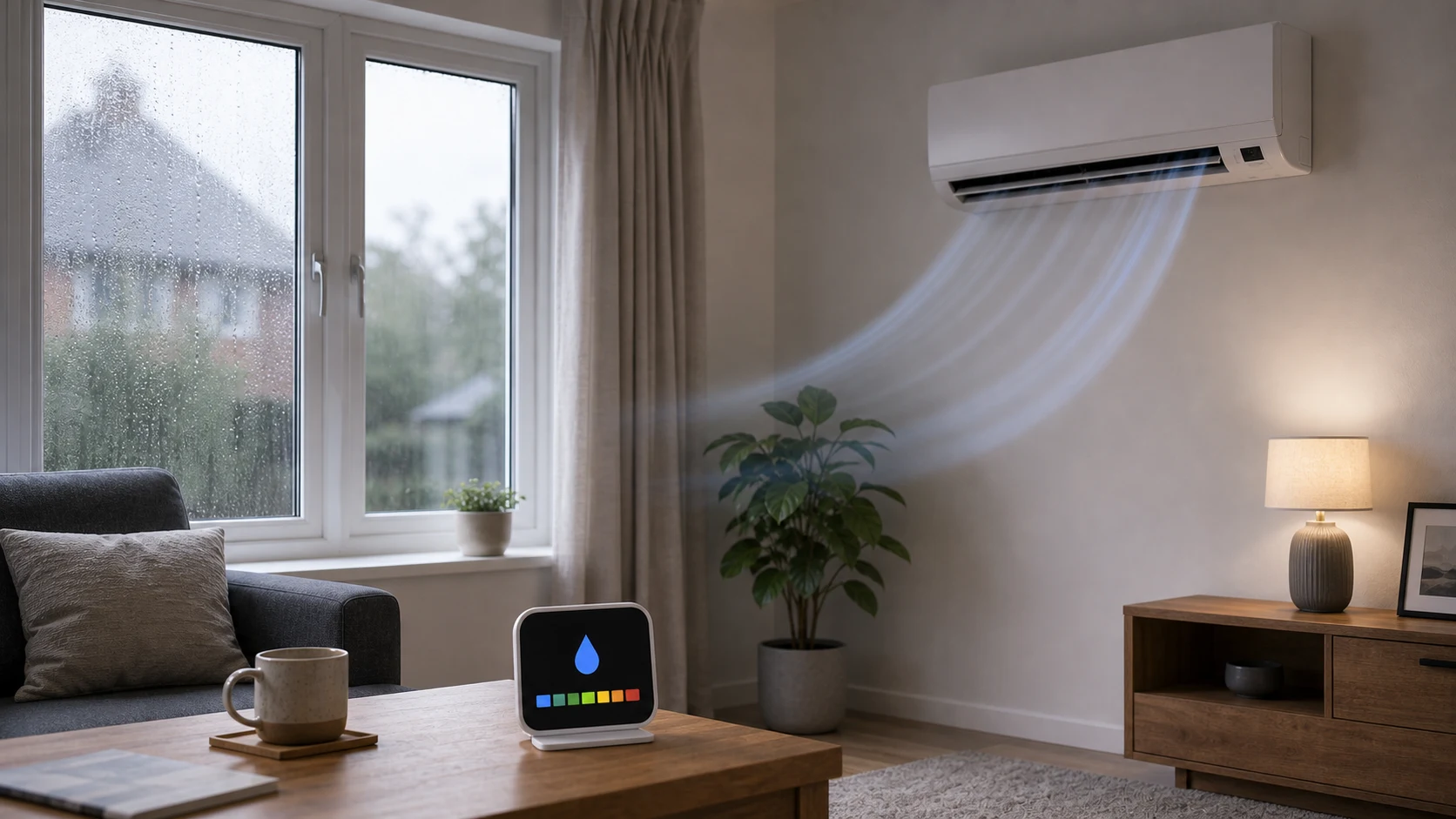
Fan speed is the opposite of intuitive too. High airflow cools the air fastest but dehumidifies least, because the coil stays warmer. On a muggy day a medium speed held for longer usually feels better than maximum for a short burst.
Schedules beat remembering
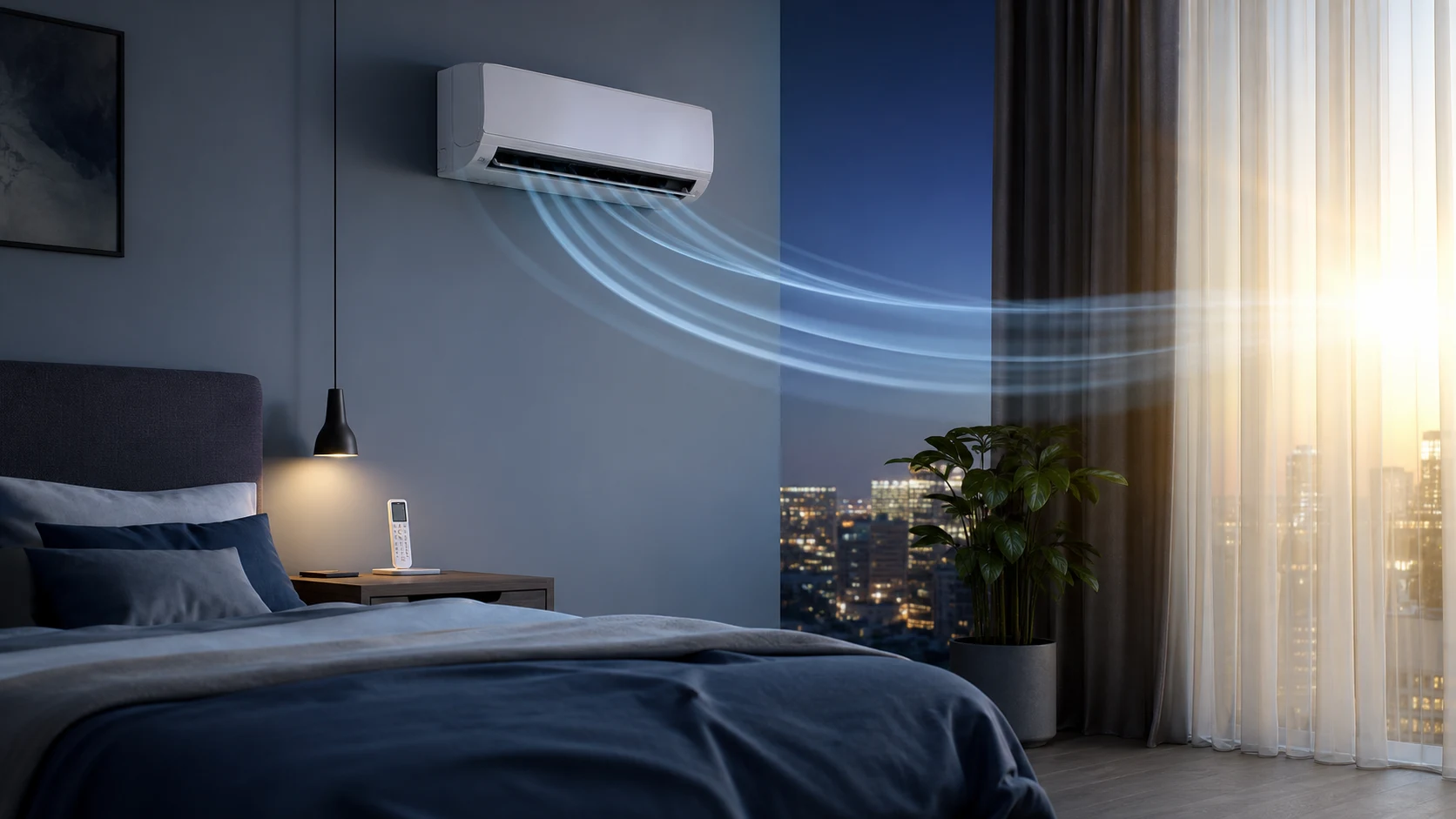
A schedule that brings a bedroom down before you go up, or an office up before the first person arrives, is worth more than any amount of fiddling once you are in the room. It means the unit works gently over an hour rather than flat out for ten minutes, which is both quieter and more efficient.
Set an off time as well as an on time. The single most common waste in homes with air conditioning is a unit left running in an empty room because nobody scheduled the end of the day.
Wall controllers, apps and what happens when the internet is down
A wired wall controller senses temperature where it is mounted, which is usually closer to where people are than the indoor unit is. That alone often improves how a room feels, because the unit stops responding to the warm air at high level and starts responding to the occupied zone.
App control is genuinely useful for turning something on before you arrive. Be clear about how it fails, though: some manufacturers route control through their own cloud, so an internet outage or a discontinued service means the app stops working. The handset and the wall controller should always still work locally, and if a system is being sold on its app, ask what happens when the app is gone.
Setting it up for someone else to use
A system that makes sense to whoever specified it is often baffling to everyone else in the building. If the unit will be used by an elderly relative, a tenant, guests in a holiday let or staff who did not choose it, the setup that works is the one with fewer options rather than more.
Most equipment supports some form of limit: a maximum and minimum setpoint the user cannot go beyond, a lock on the mode so nobody switches a cooling system into heating in August, and a schedule that runs whether or not anyone touches the controller. Set those and the common failure — a unit left running in heating in summer because someone pressed the wrong button — simply cannot happen.
Leave one clear instruction by the controller rather than the manual, covering how to turn it on and off and how to change the temperature within the range you have allowed. In a rental, that plus the filter-cleaning instruction is realistically all that will ever be read, so it is worth being the thing you write down.
Features worth turning on
Self-drying or coil-dry is worth switching on if the unit has it; the fault-symptoms guide explains what it prevents. A filter reminder is worth enabling, because a filter nobody has looked at is where most complaints about performance start. Quiet or night mode drops the outdoor fan speed, which matters if a neighbour's window is nearby.
Ask for these to be set up at handover rather than left at factory defaults. It takes a few minutes with the installer present and is much harder to work out later from a manual.
Finally, photograph the handset and the model number, and keep the manual somewhere findable. Remotes get lost and replacements are model-specific, so a photograph of the back of the handset is worth more than it sounds when you are trying to order one three years later. If the system is controlled through an app, note which account it was set up under, because a system registered to an installer's account or to a previous occupier is a common and avoidable nuisance.