Trust AC
Topic-specific guidance
Air conditioning modes: cool, heat, dry, fan and auto needs its own estimate logic because cooling, heating, dry, fan and auto modes explained without controller guesswork. The useful first step is to connect the customer's room, evidence, constraints and budget before comparing equipment, dates or written scope. Treat any missing photo, route detail or permission note as an estimate risk rather than a small admin gap. That discipline keeps the article useful for customers and traceable for the team reviewing the enquiry later.
Mode choice should follow the complaint: heat, high humidity, stale air movement or winter comfort. Cool and heat are active temperature modes, dry is a comfort tool for moisture removal, fan moves air without the same heat-pump effect, and auto can confuse customers if the logic is not explained.
The reviewer needs to know the current mode, set temperature, fan setting, outdoor temperature, room humidity and whether doors and windows are open. A screenshot of the controller can prevent a surprisingly large number of misunderstandings.
The handover should explain the modes in plain English and Chinese if needed, including what settings Trust AC expects the customer to use first. This is especially important for bedrooms, elderly users and businesses with several staff members.
The risk is a good installation being judged badly because the controller is in the wrong mode. Auto, dry and fan mode can all create false fault reports when users expect immediate cooling or heating.
When Air conditioning modes: cool, heat, dry, fan and auto is used in the enquiry form, pair the question with the target room, preferred temperature, daily use pattern, budget boundary, outdoor-unit option, access limits, noise sensitivity, drainage route, controller expectation, service access and any permission constraint. That gives the estimator an auditable set of assumptions instead of a single isolated topic.
What each mode actually does
Cool runs the refrigeration cycle to lower room temperature, and removes some moisture as a by-product. Heat reverses the cycle so the system takes heat from outside air and delivers it indoors — the same hardware working the other way round. Fan runs the indoor fan only, moving air without changing its temperature at all.
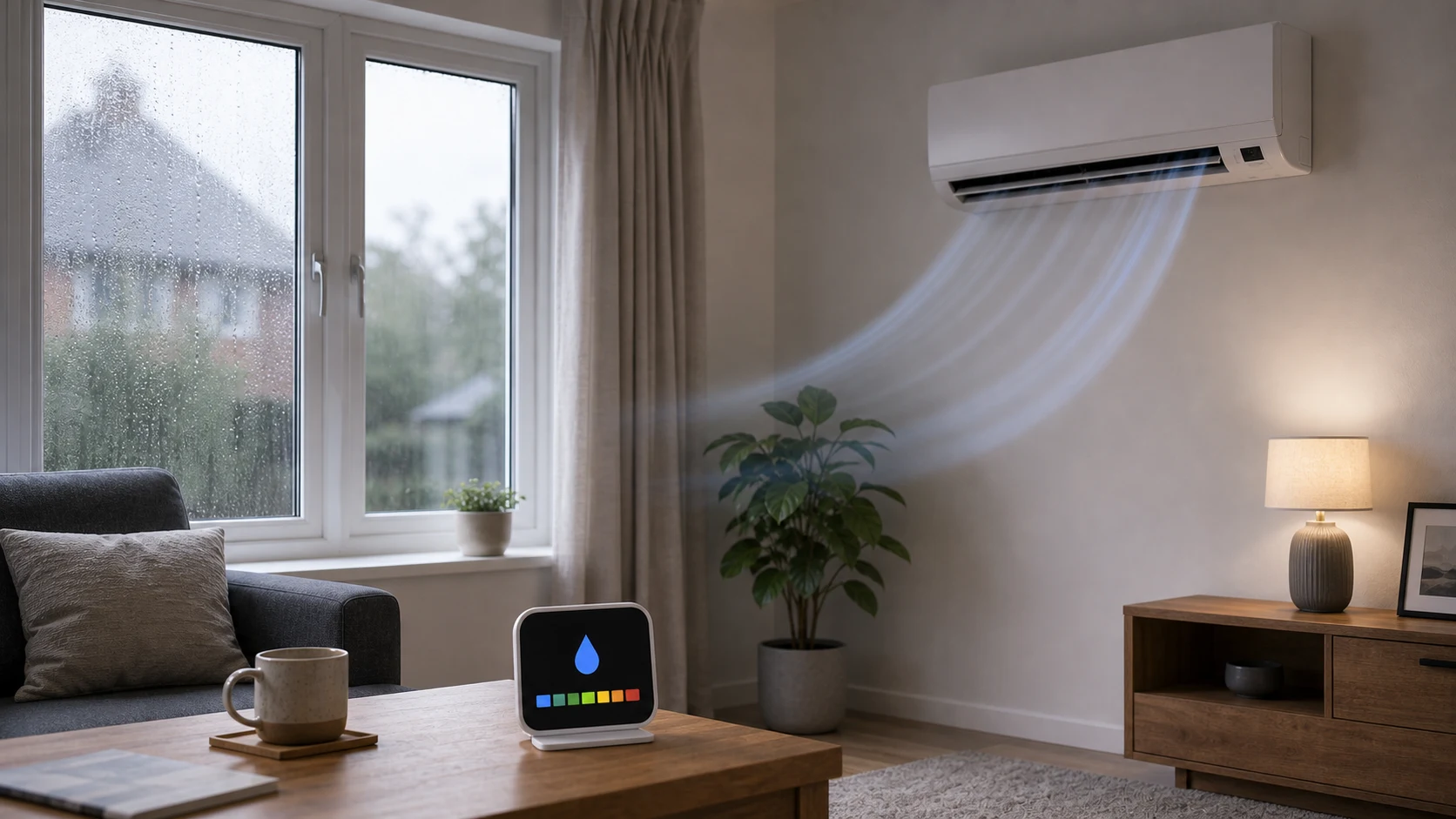
Dry is the one most often misunderstood. It runs cooling at deliberately low airflow so the coil stays cold and condenses more moisture per unit of air passed over it. It will lower humidity noticeably, but it is not a dehumidifier and it will cool the room somewhat while doing so.
Auto hands the choice to the unit, which picks between heating and cooling to hold your set temperature. It is convenient in shoulder seasons and unhelpful when you have a specific intent, because the system may heat when you only wanted to stop the room getting warmer.
The settings that cost people money
Setting a much lower temperature does not cool the room faster. The system is already working at its maximum; a 16°C setpoint simply means it keeps going past the point you were comfortable, and you pay for the overshoot. Set the temperature you actually want.
Fan speed on auto is usually right. Forcing maximum fan speed feels effective but is often noisier without being cooler, since comfort depends on the coil temperature and the moisture removed as much as on air velocity. And leaving the system in Auto mode year-round is how people end up heating a room in September without noticing.
Why auto is not always the right default
Auto mode lets the unit choose between heating and cooling against the setpoint. In a room whose temperature crosses that point during the day — a south-facing room in spring is the classic case — it can end up heating in the morning and cooling in the afternoon on the same day, which is rarely what anyone intended and never the cheapest outcome.
Choosing the mode deliberately, and setting a sensible temperature for it, usually beats letting the machine decide. Auto earns its place where a room genuinely has to be held within a band regardless of season, such as somewhere housing equipment, and it is worth switching off where it does not.
Fan mode is more useful than it looks
Fan mode runs the indoor fan with the compressor off, so it uses very little electricity and does not change the temperature of the room. That sounds pointless until you remember that moving air feels cooler than still air, which makes it a genuine option on the days that are warm rather than hot.
Its other job is drying the coil. Running fan mode for a few minutes after a cooling session clears the moisture that would otherwise sit on the fins and in the tray overnight, which is where musty smells begin. Many units will do this automatically if the coil-dry function is switched on, and it is worth using either the feature or the habit.
It also earns its place in spring and autumn, when a room is stuffy rather than hot and what it needs is air movement rather than cooling. Reaching for fan mode instead of dropping the setpoint is the cheapest thing on the controller, and it is the mode most people never press.
What to ask at handover
The controls are the part of the installation you will use every day, so the handover matters more than it seems. Ask which mode the installer recommends for your typical use, what setpoint they would start from, and how the schedule or timer is set — then have them show you on the actual controller rather than the manual.
It is also worth asking what the system will do on the coldest and hottest days you are likely to see, so the behaviour does not surprise you later. A unit going into a defrost cycle in winter, for example, is normal and looks alarming if nobody has mentioned it.